
4D AI Kit
Use files as context in AI conversations
Bring the right information into AI conversations when it matters most.
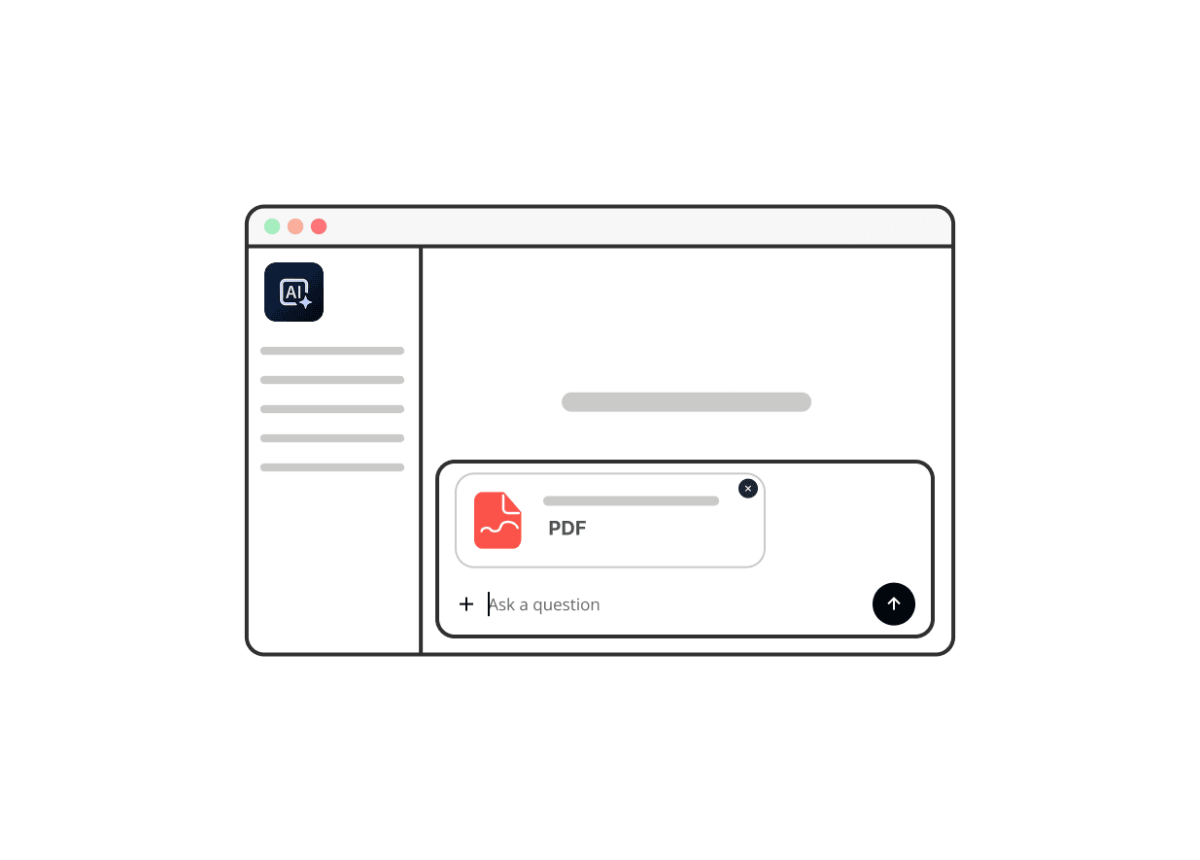
With the OpenAI.files class in the 4D AI Kit, your application can upload files to be used as direct context within an AI conversation. Reports, contracts, technical documentation, or external data become the foundation that shapes how the AI understands a request and builds its response. This allows users to ask focused questions and extract what matters instantly, without the need to scan documents manually.
By defining the context for a specific task, you ensure the AI returns answers aligned with your uploaded content rather than generic output. This helps teams spend less time searching and more time reviewing, deciding, and responding with confidence.
ORDA
Return results ordered by meaning
Help users reach the right answer faster by prioritizing the most relevant results.
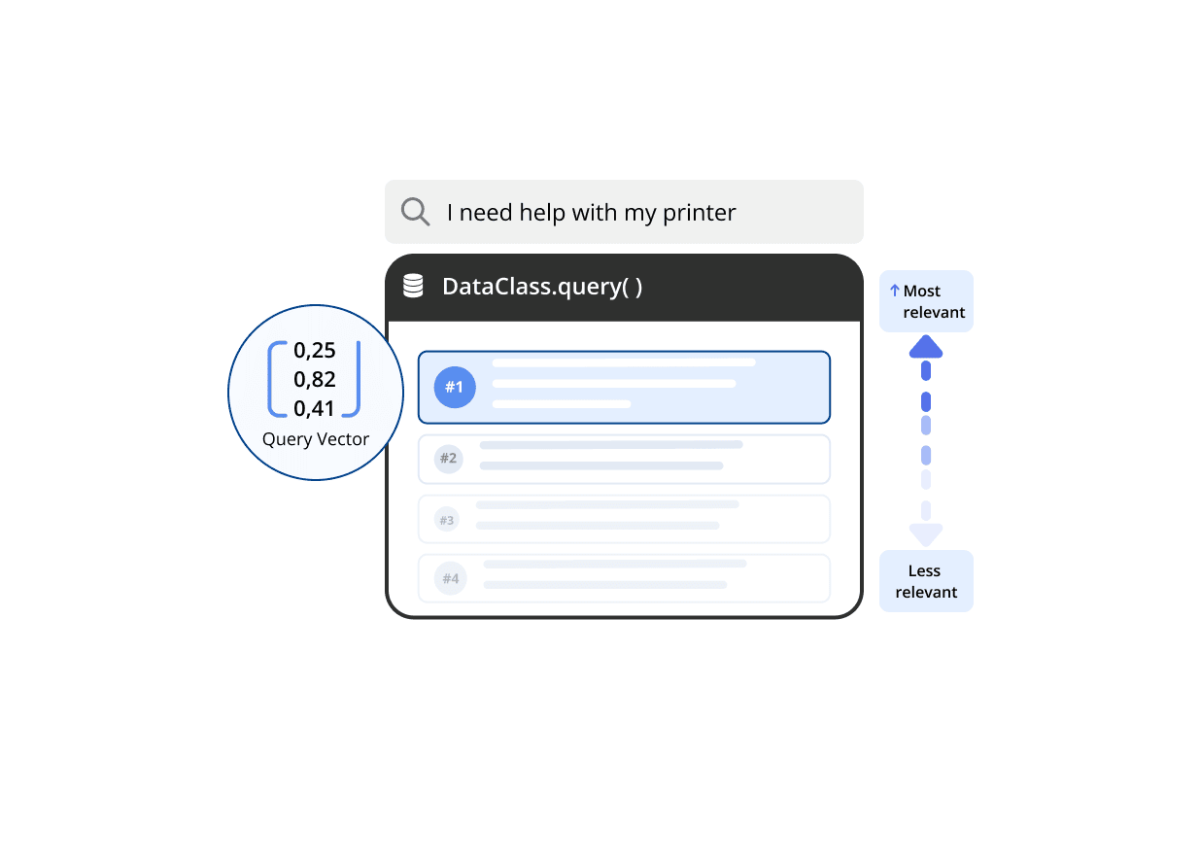
With vector-based ordering in ORDA queries, your application can rank records by similarity and return results in the order that makes the most sense to the user. Search feels more natural, recommendation flows become more intuitive, and context-aware experiences feel sharper from the very first interaction.
When users find the right contract, profile, or product on the first try, the application feels smarter and the workflow stays fluid. Relevance becomes an intrinsic part of the result itself, rather than an afterthought.
4D QODLY PRO
Access Qodly Pages directly from the 4D IDE
Extend your application to the web without leaving your primary development environment.
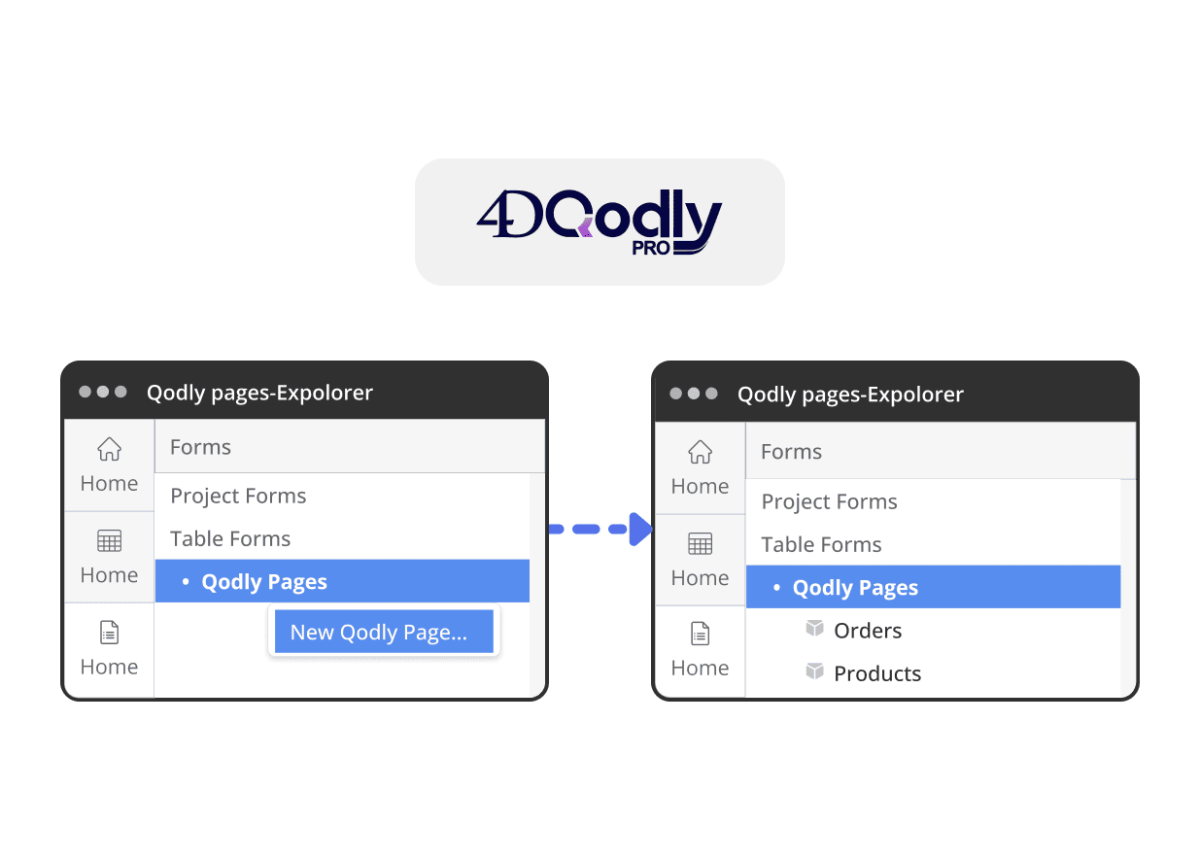
With Qodly Pages accessible from the 4D Explorer, creating and opening web pages follows the same familiar pattern as 4D forms. Your web UI becomes a native part of your project rather than something managed externally.
Teams can introduce Qodly pages exactly where they add value, keeping them connected to existing data and logic while evolving the interface without the friction of switching between different tools.
Fluent UI
Bring Fluent UI to 4D forms [Developer Preview]
Deliver a modern user experience while keeping your application structure unchanged.
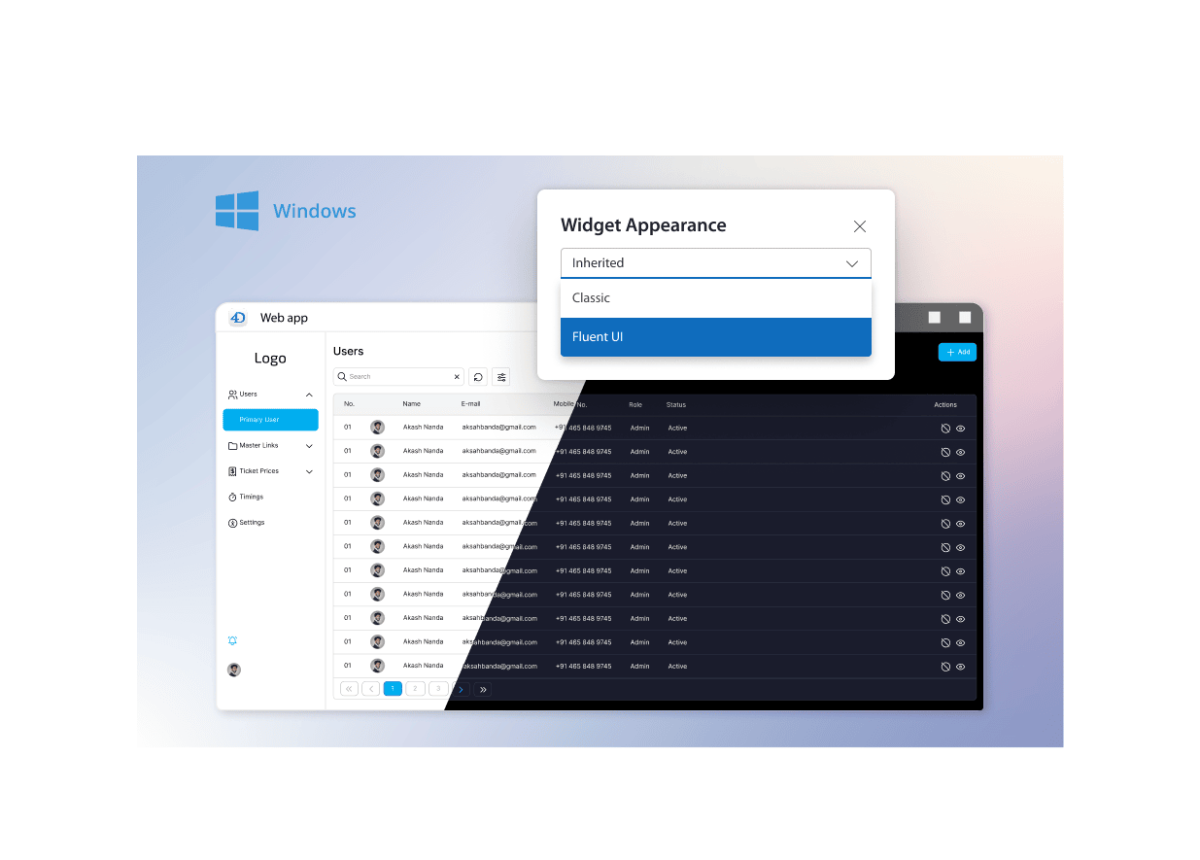
With Fluent UI rendering, 4D forms adopt the visual language users already know from Microsoft Windows, Office, and Teams. Interfaces feel clearer, more consistent, and perfectly aligned with modern productivity tools.
This shift carries significant weight in business environments. A modernized interface strengthens product perception, boosts user confidence, and helps long-standing desktop applications feel current without the cost of a total redesign.
4D Write Pro
Lists align correctly without manual adjustments
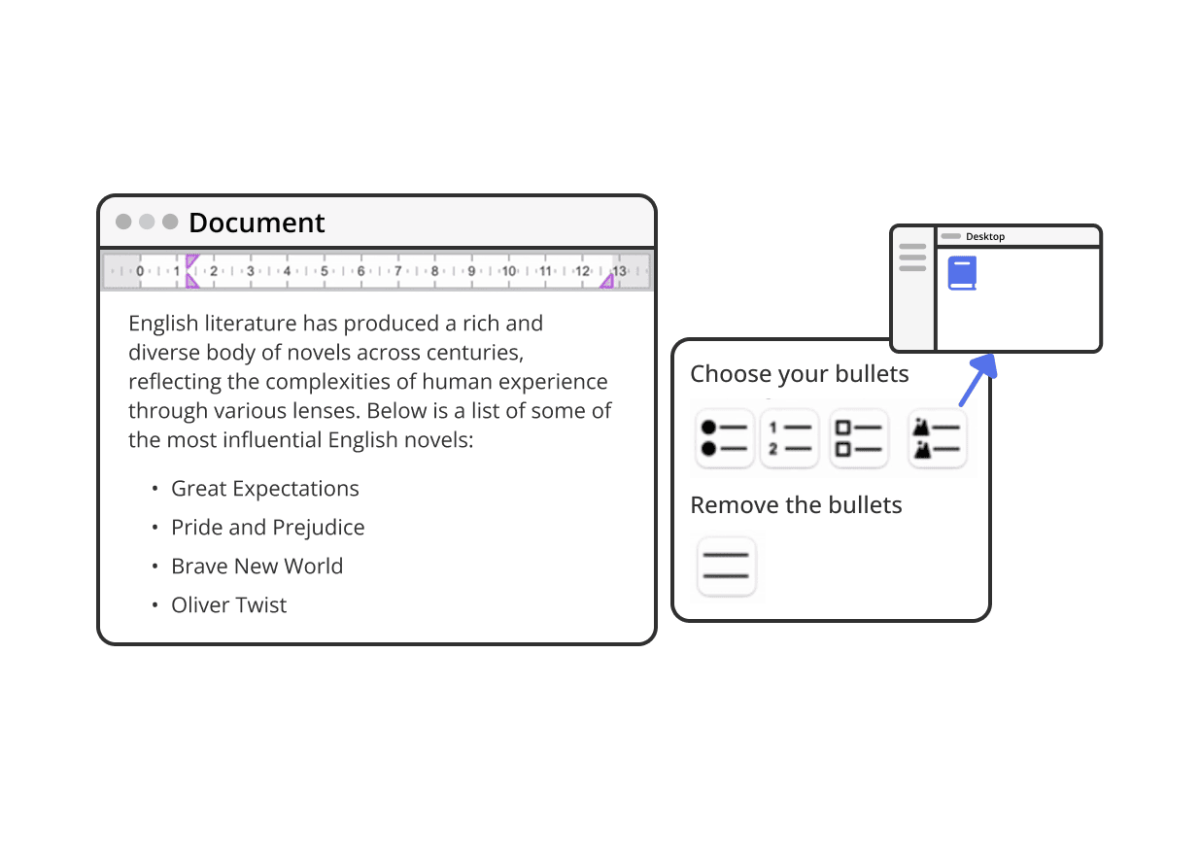
Apply bullets and instantly achieve the layout users expect.
Lists created with standard actions are now automatically indented and aligned within the page. Text remains readable, spacing stays consistent, and documents maintain a clean structure without any extra formatting effort.
When bullets are removed, the indentation is removed along with them. The layout remains predictable across different styles and text directions, ensuring documents look professional with zero additional handling.
4D Components
Search across host projects and components
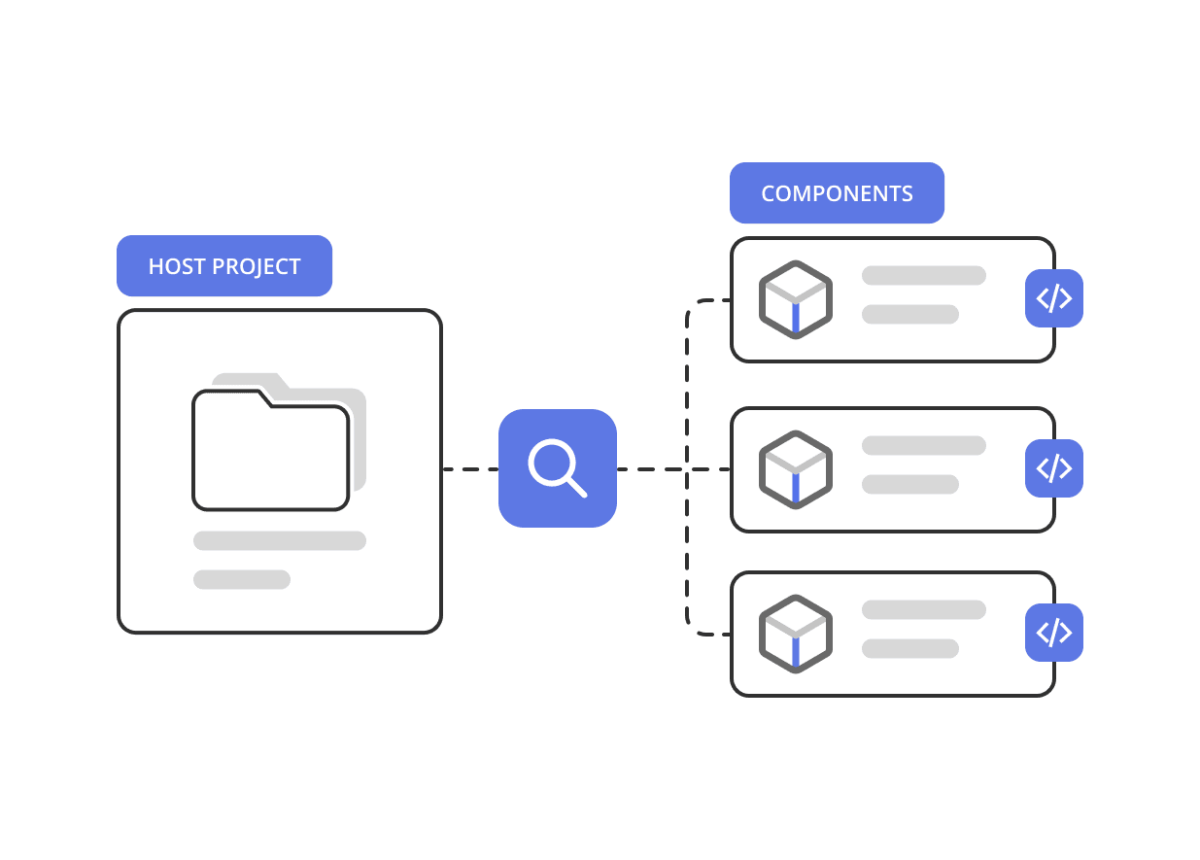
Work with a complete view of your application, not just the host project.
With Find in Design, you can search methods and symbols across both the host project and accessible components from a single interface. Shared logic becomes easier to trace, and the full impact of a code change becomes visible before refactoring even begins.
Teams can update code with a clear understanding of dependencies, keeping maintenance under control and making reviews or audits much easier to conduct.
4D View Pro
Updated SpreadJS engine for improved performance and scalability
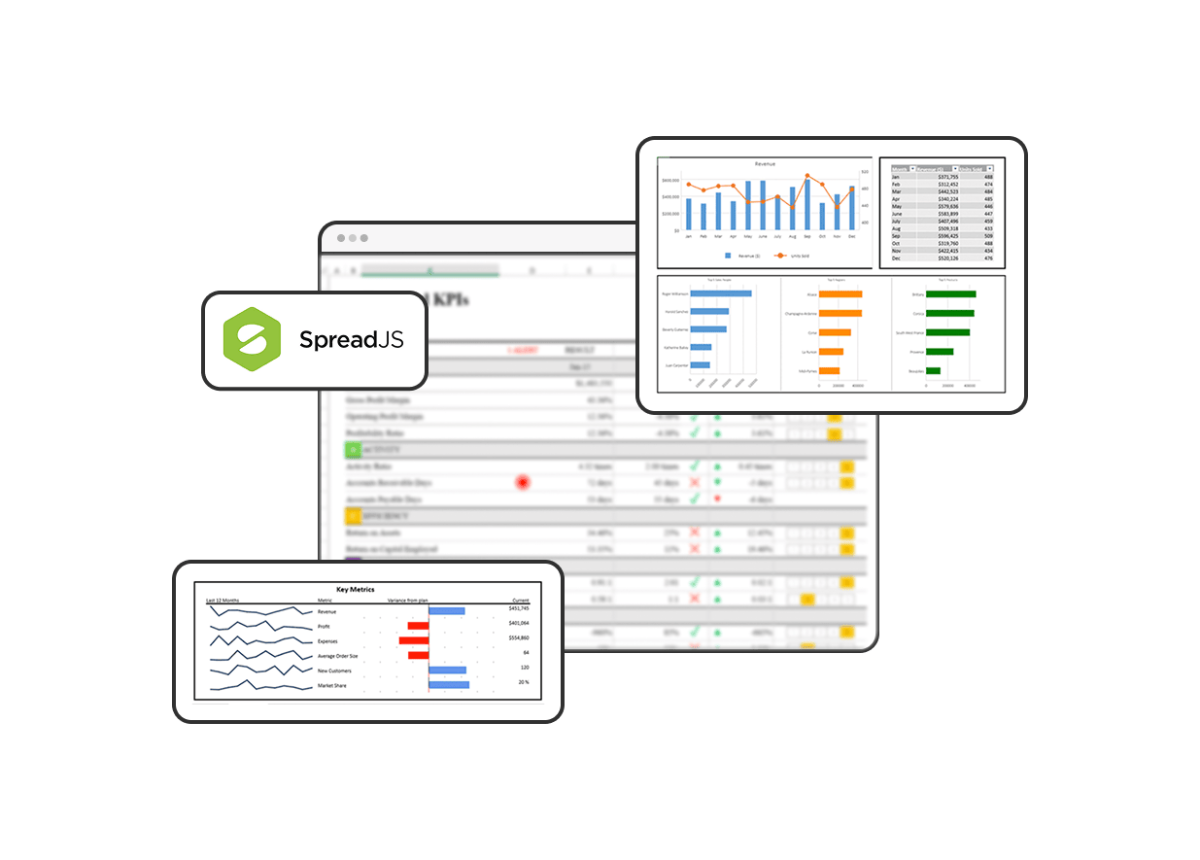
Support larger datasets and advanced analysis without compromising interface speed.
With the SpreadJS 18.2 engine update, dashboards remain fluid even as datasets grow. Memory usage is optimized for demanding scenarios like PivotTables, allowing spreadsheet capabilities to expand while maintaining the workflows your teams already rely on.
Users can explore high volumes of information, adapt their analysis more easily, and preserve full compatibility with the Excel-based workflows used in the field.
4D Language
More precise syntax checking and completion
Keep development moving with clearer signals and fewer interruptions.
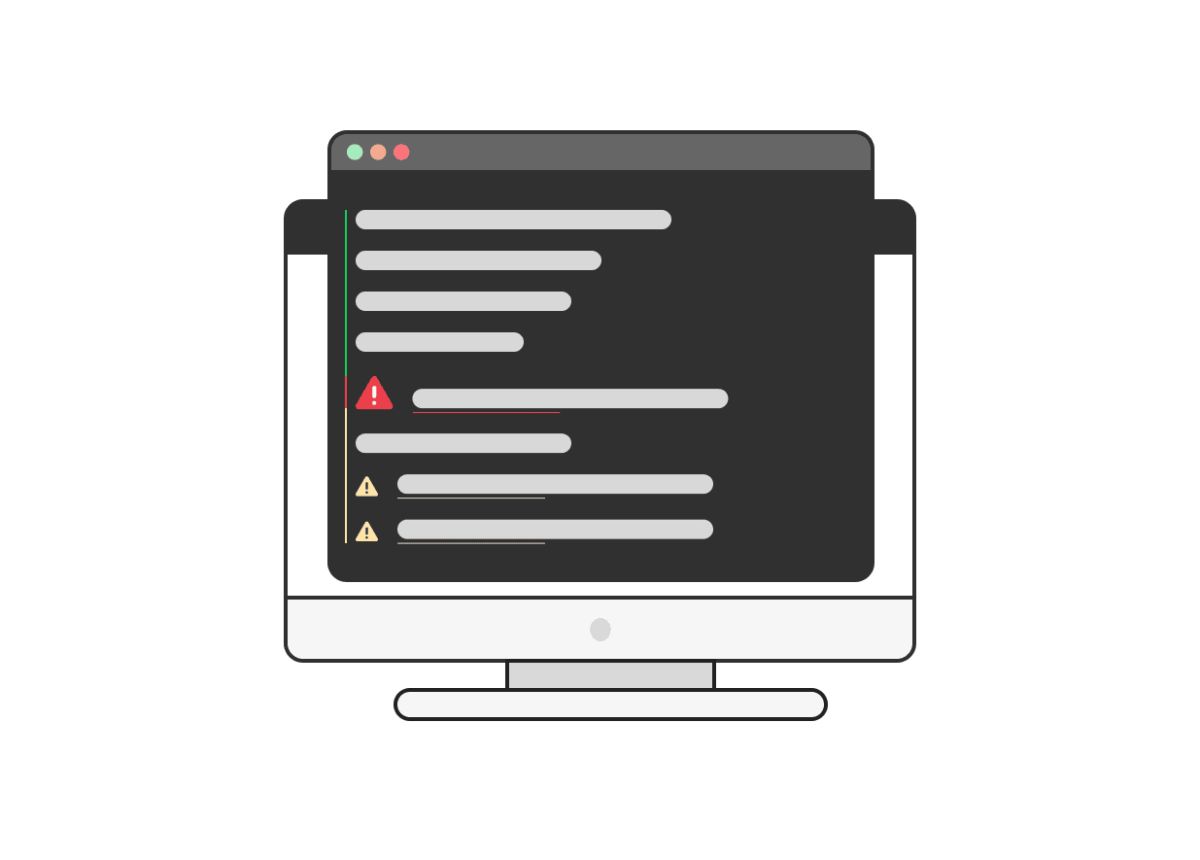
With unified syntax checking and code completion across VS Code and the 4D code editor, the feedback developers receive while writing code perfectly matches what the compiler understands. Errors point to the exact part of an expression, and completion stays aligned with real-time type inference.
Teams can navigate complex logic with greater confidence, spend less time second-guessing the editor, and maintain a steady implementation flow.
 Discover all the
 Download
 Upgrade to